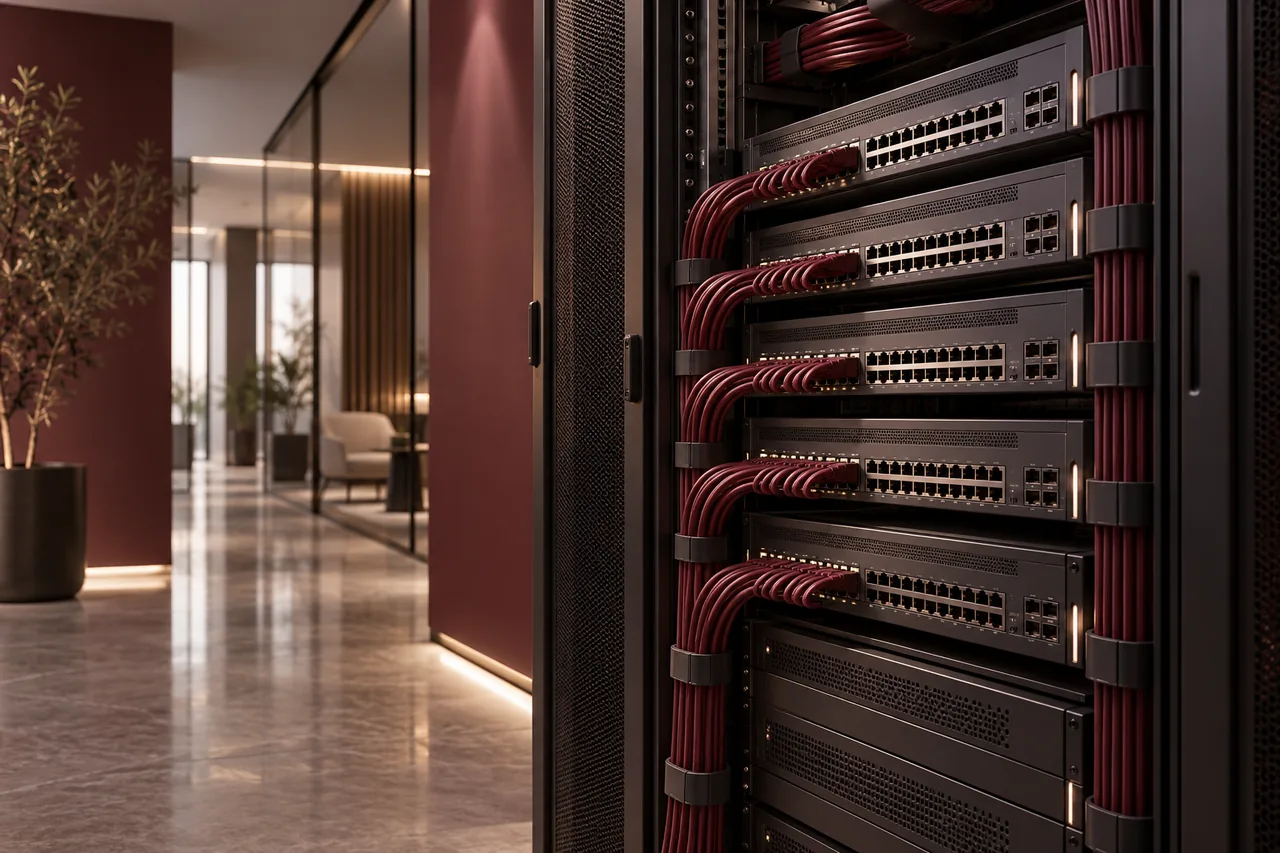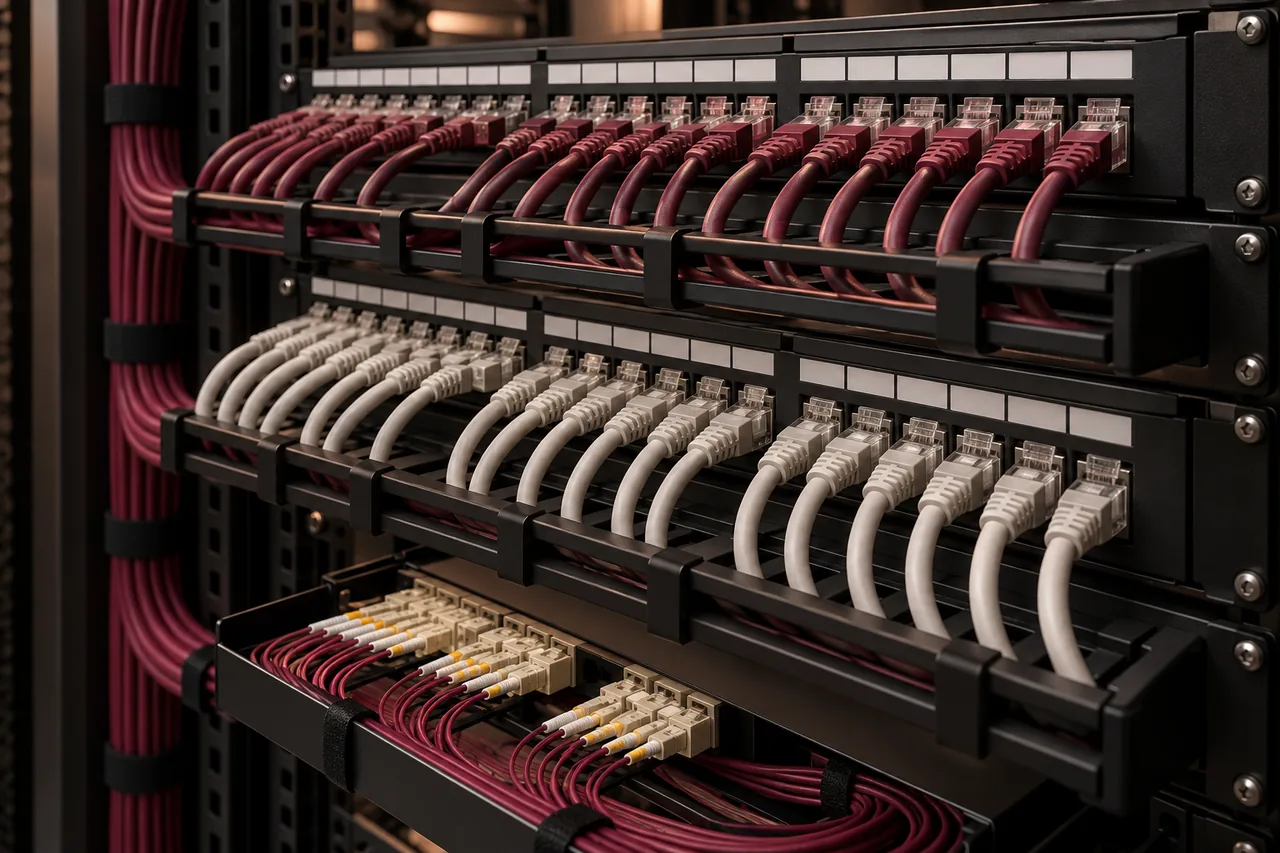
Cat6A is the stronger choice when you need 10GBASE-T across a full standard 100-metre channel or want that capability for future upgrades. Cat6 can still be a sensible choice for an office built around gigabit connections. The decision should include distance, devices, pathway capacity, interference and installation quality—not just the purchase price of a cable box.
A higher category does not automatically fix poor termination, overloaded switches or slow internet. Both options need a properly specified end-to-end installation. For a Saudi office fit-out, deciding early also helps the facilities contractor plan trays, conduits and rack space before finishes make changes more expensive.
What the category specifications mean
Cat6 is specified to 250 MHz, while Cat6A is specified to 500 MHz. Frequency is a cabling performance characteristic, not the same thing as internet speed. Ethernet throughput depends on the supported network application and the equipment at both ends. A 1-gigabit switch port remains a 1-gigabit port even when connected through Cat6A.
Both categories are commonly used for 1000BASE-T over a standard 100-metre channel, including patch cords. Cat6A supports 10GBASE-T at that channel length. Cat6 can support 10GBASE-T only over shorter, condition-dependent links; qualification matters, especially where alien crosstalk from nearby cables is relevant. Avoid treating a shorter-distance headline as a guarantee for every installed Cat6 link.
Distance includes more than the cable in the wall
The complete channel includes the fixed cable, connectors and patch cords. A typical structured copper channel design allows a 90-metre permanent link within the overall 100-metre channel, subject to the applicable configuration. Route length can be much longer than the straight-line distance between a desk and the rack because cables follow pathways and service loops.
For a large floor or connections between separate buildings, review the route with the designer before assuming copper is suitable. Fiber may be a better backbone option. Do not solve an excessive copper distance by choosing a higher category name alone. Link design, optical interfaces and equipment placement need to be considered together.
Interference and cable construction
Cat6A improves performance against alien crosstalk, which is interference between neighboring cables. This matters for high-speed applications, particularly in dense bundles. Environmental interference can also come from inappropriate proximity to other systems. The installation should follow the chosen system’s routing and separation requirements rather than relying on category alone to overcome a poor route.
Shielded and unshielded constructions both exist. Shielding introduces compatibility and bonding considerations that must be handled correctly across the system. A shielded cable paired with unsuitable connectors or an incomplete bonding design is not a carefully specified solution. Ask your installer which construction they propose and why it suits the environment.
Installation space and handling
Cat6A cable is often larger and less flexible than Cat6, although dimensions vary by product. Larger bundles can require more containment capacity and more thoughtful dressing in the rack. Bend radius, pulling tension and connector compatibility should follow manufacturer guidance. These factors influence installation effort, not only material cost.
The choice also affects how easily the installation can be maintained. Crowded pathways make additions difficult. Crushed bundles, tightly pulled ties and awkward rack entry can compromise a neat-looking system. Agree cable managers, patch-panel capacity and room for growth as part of the structured cabling scope.
Consider the devices you will actually connect
For ordinary office desktops, printers and many phones, gigabit connectivity may already meet the workload. Larger file transfers, engineering applications, storage access and some modern access-point uplinks can justify faster local links. Check the switch port, client interface and upstream network together: one upgraded cable does not remove every bottleneck.
Power over Ethernet requirements should also be reviewed for access points, phones and cameras. Cable category is only part of that assessment. Cable construction, bundle size, operating conditions, switch power budget and the powered device all matter. Specify the actual equipment and power requirements instead of assuming any cable will behave identically in every installation.
Compare total cost over the installation’s life
Cat6A may cost more to purchase and install, but replacement later can require access above finished ceilings, interrupted work and new testing. Conversely, paying for capability that has no plausible business use can divert budget from switches, backup or security that the office needs sooner. The right choice reflects a realistic upgrade horizon.
Request separate pricing for complete Cat6 and Cat6A packages using the same outlet count and documentation requirements. Our cabling cost guide explains why proposals need aligned assumptions. Compare containment changes, patch cords, testing and labor alongside cable materials, and identify which future devices would benefit from the higher category.
Make testing part of the decision
Specify matching cable, connectors and patch components as a system, then define the acceptance test. Basic continuity checks do not establish all the performance properties of a category-rated link. Certification reports should identify each installed permanent link or channel using the agreed test setup and limit.
Retain the results with outlet schedules and labels. This gives future support teams evidence rather than guesswork. If reusing an existing installation for faster Ethernet, agree the appropriate assessment before purchasing switches on the assumption that every link will support the new speed.
A practical choice for your office
Choose Cat6 when the requirement and likely life of the installation support gigabit-focused links and the complete system meets that scope. Choose Cat6A when full-length 10GBASE-T capability, higher-speed access links or a credible future upgrade makes the additional installation cost worthwhile. For either choice, reserve pathways, test the work and keep records. Send FusionCore your drawings through Contact for a project-specific discussion.
Frequently asked questions
A few practical questions.
Does Cat6A make my internet faster?
Only if the existing local link is a limiting factor and the devices support a faster connection. It does not increase the speed purchased from your internet provider.
Is Cat6A always shielded?
No. Cat6A exists in different constructions. Choose a complete compatible system and account for installation and bonding requirements where shielding is used.
Technical references
Primary-source guidance supporting the technical points in this guide.