Wi-Fi and wired networking serve different needs, and most businesses use both. Wired Ethernet is often useful for fixed equipment and predictable local performance. Wi-Fi enables mobility and convenient access for laptops and visitors. Choose the connection method for each device and application rather than assuming the whole office must use one or the other.
The decision is also broader than speed. Reliability, installation routes, device capabilities, security, growth and support influence the outcome. A wireless-first office still needs infrastructure behind its access points, while a wired office may still need quality wireless in meeting rooms and shared spaces.
Performance depends on the complete path
A wired link generally provides a dedicated physical connection between a device and switch port. Wireless users share radio resources and are affected by signal conditions, interference and client capabilities. Advertised radio rates do not equal guaranteed application throughput for every user in a busy room.
Neither method makes the internet faster than the service available upstream. A file transfer can also be limited by server storage, a switch uplink or the destination application. Diagnose the whole path before using a speed claim to choose equipment. The common network problems guide explains how to separate those causes.
Mobility and work patterns
Wi-Fi suits people who move between rooms or use devices without Ethernet ports. It supports visitor access and flexible desks, provided coverage and capacity are designed for those areas. Meeting rooms deserve particular attention because several users may join video calls or share content simultaneously.
For stationary workstations, servers, printers or recording systems, wired links may provide a straightforward dependable connection. Not every fixed device requires the same bandwidth, but predictability can still matter. Map device roles first and identify where a physical port is worthwhile even when wireless is available nearby.
Reliability and interference
Wireless signals are affected by walls, metal structures, competing radios and the distance between client and access point. Good design can manage many of these factors, but moving furniture or adding equipment can change conditions. A usable connection near the access point does not prove the whole office is covered.
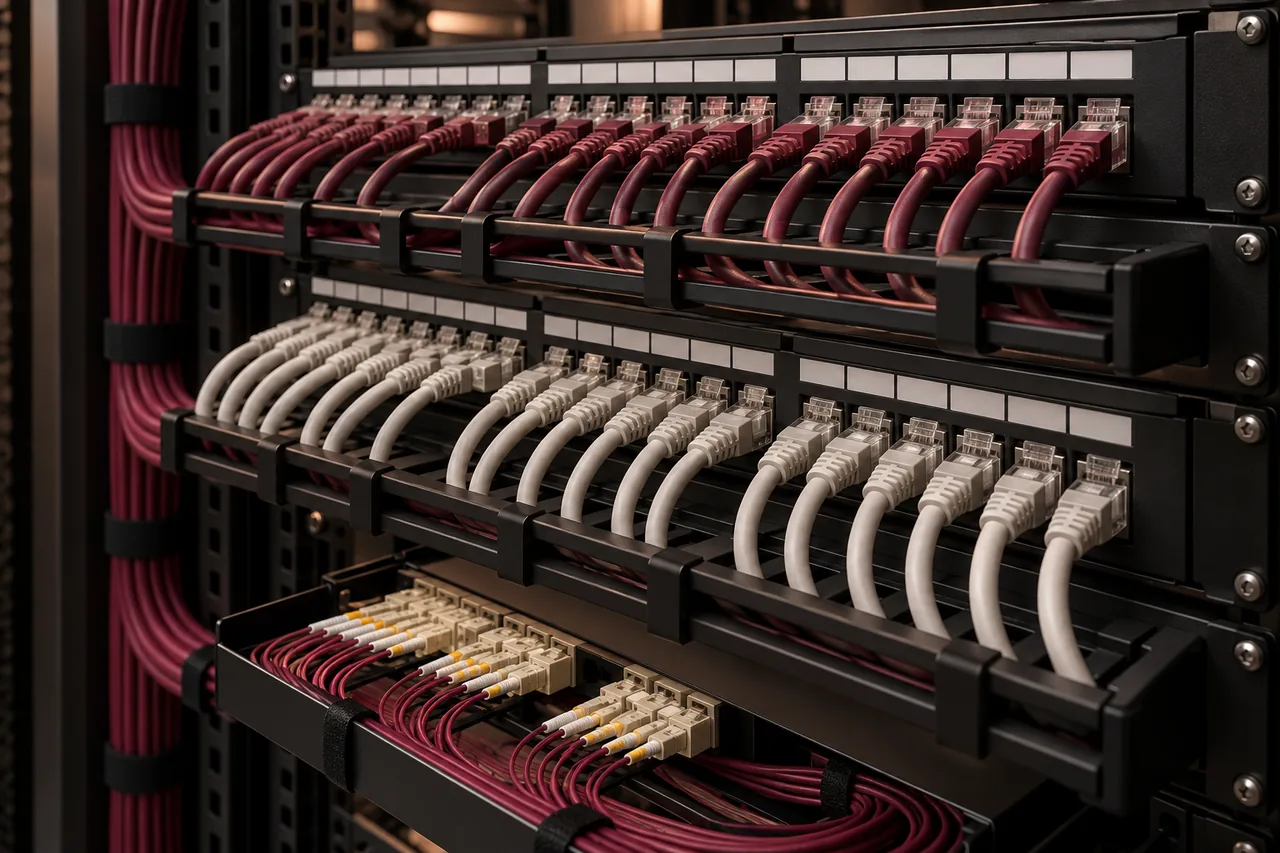
Wired cabling has different risks: damaged patch cords, poor terminations, excessive distances and accidental disconnections. Installed links should be tested and labeled. Both environments need maintenance and records. Reliability comes from correct design and operation rather than a universal claim that one medium never has faults.
Installation and fit-out coordination
Wired networks require outlets, routes, patch panels and switch ports. Installing them during a fit-out is often easier than adding them after ceilings and finishes are complete. Consider cable category, route capacity and future device locations when budgeting. The Cat6 versus Cat6A guide can help frame the physical specification.
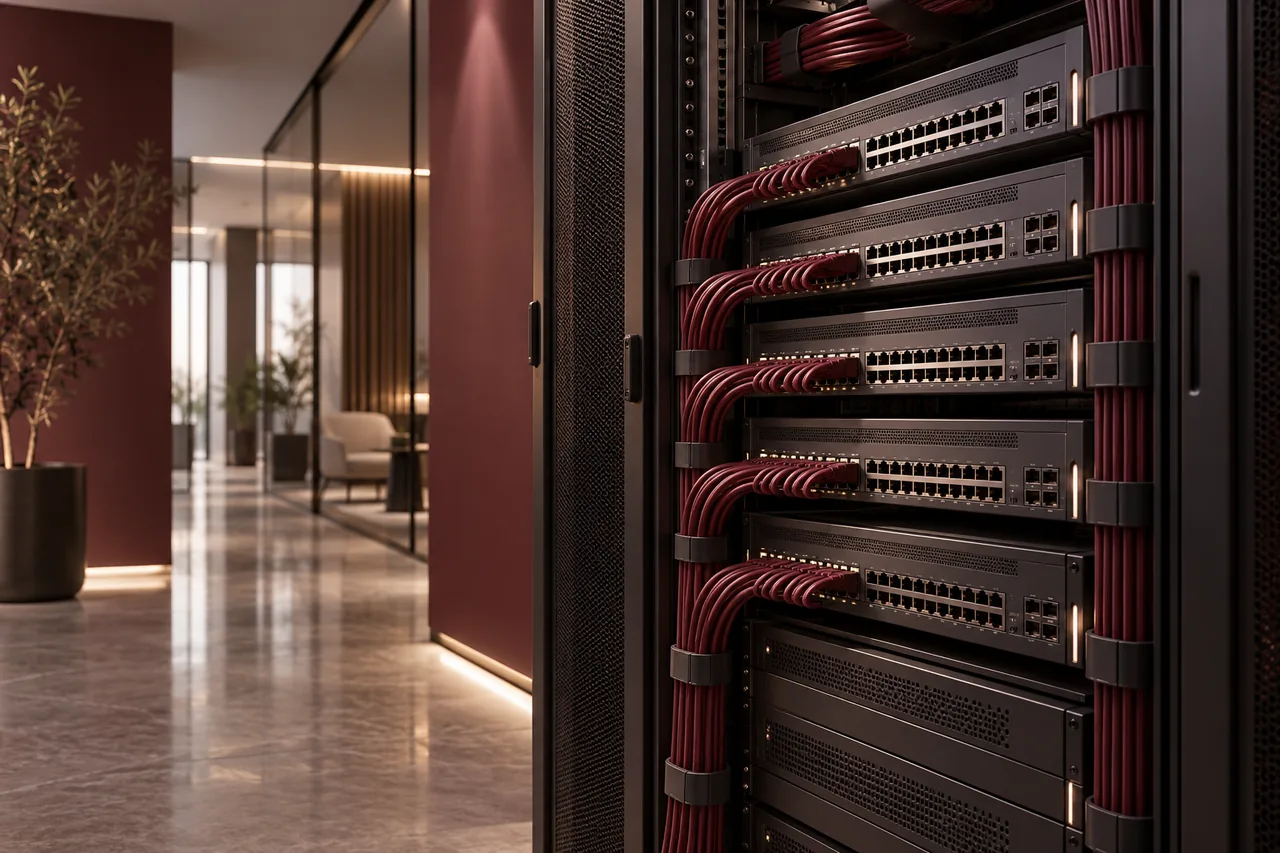
Wi-Fi reduces the need for a cable at every mobile device, but access points still need suitable uplinks and power. Plan ceiling outlets, mounting locations and switch PoE capacity. An office choosing Wi-Fi for most users should not omit the cabling infrastructure that makes its wireless network work.
Capacity is not the same as coverage
A large open room can be covered by a small number of access points yet need more capacity during busy periods. Conversely, many low-use rooms may require additional coverage because walls reduce usable signal. Access-point quantities should reflect both demand and layout.
Read how many office access points are needed before relying on a simple area ratio. Wired capacity planning also needs uplink and switch review. Many fast desktop ports connected through one congested uplink can still produce a shared bottleneck when users transfer files together.
Security needs controls on both networks
Use appropriate authentication and separate guests, users and infrastructure where needed. A guest Wi-Fi name should not provide access to business servers or management interfaces. Wired outlets in public areas also deserve review. Being physically connected does not automatically justify unrestricted access.
Protect administrative accounts, keep equipment supported and document policies. Wireless configuration should use security settings compatible with approved client devices. Network segmentation and firewall rules need to be coordinated across both connection methods. FusionCore’s cybersecurity services can be discussed alongside connectivity improvements.
Compare operating cost, not just equipment count
Wired cost includes cabling, outlets, containment, racks, switching and testing. Wireless includes access points, controllers or subscriptions where applicable, surveys, uplinks and ongoing management. Avoid comparing a complete wired installation with a hardware-only wireless price because the scopes differ.
Account for change over time. Desk moves may favor wireless flexibility, while stable critical equipment can justify fixed outlets. Include support, replacement and documentation. A design that saves installation cost but repeatedly interrupts work may not be economical, while unnecessary cabling to every possible position can also waste budget.
Build a mixed network deliberately
One practical approach is to use wired connections for servers, network infrastructure and suitable fixed devices, with Wi-Fi for laptops and mobile work. This is an example, not a mandatory design. The actual mix depends on applications, room use and the capabilities of each endpoint.
Prepare a schedule identifying wired and wireless devices, peak use, required locations and security boundaries. Validate representative workflows using the actual client equipment. Check that wireless and wired users receive consistent business access where intended and different access where policies require separation.
Conclusion: choose by business use
The useful question is not which technology is universally better, but which connection suits each task. Plan the physical foundation, design wireless coverage and capacity, and operate both with clear controls. FusionCore can coordinate networking, Wi-Fi and cabling. Share your layout through Contact to discuss the right mix.
Frequently asked questions
A few practical questions.
Can an office operate entirely on Wi-Fi?
Some can, depending on devices and applications, but access points still need suitable backhaul and power. Critical fixed equipment may benefit from wired connectivity.
Is wired networking automatically secure?
No. Physical access, authentication, segmentation, patching and administration still matter. Neither connection method replaces a security policy.