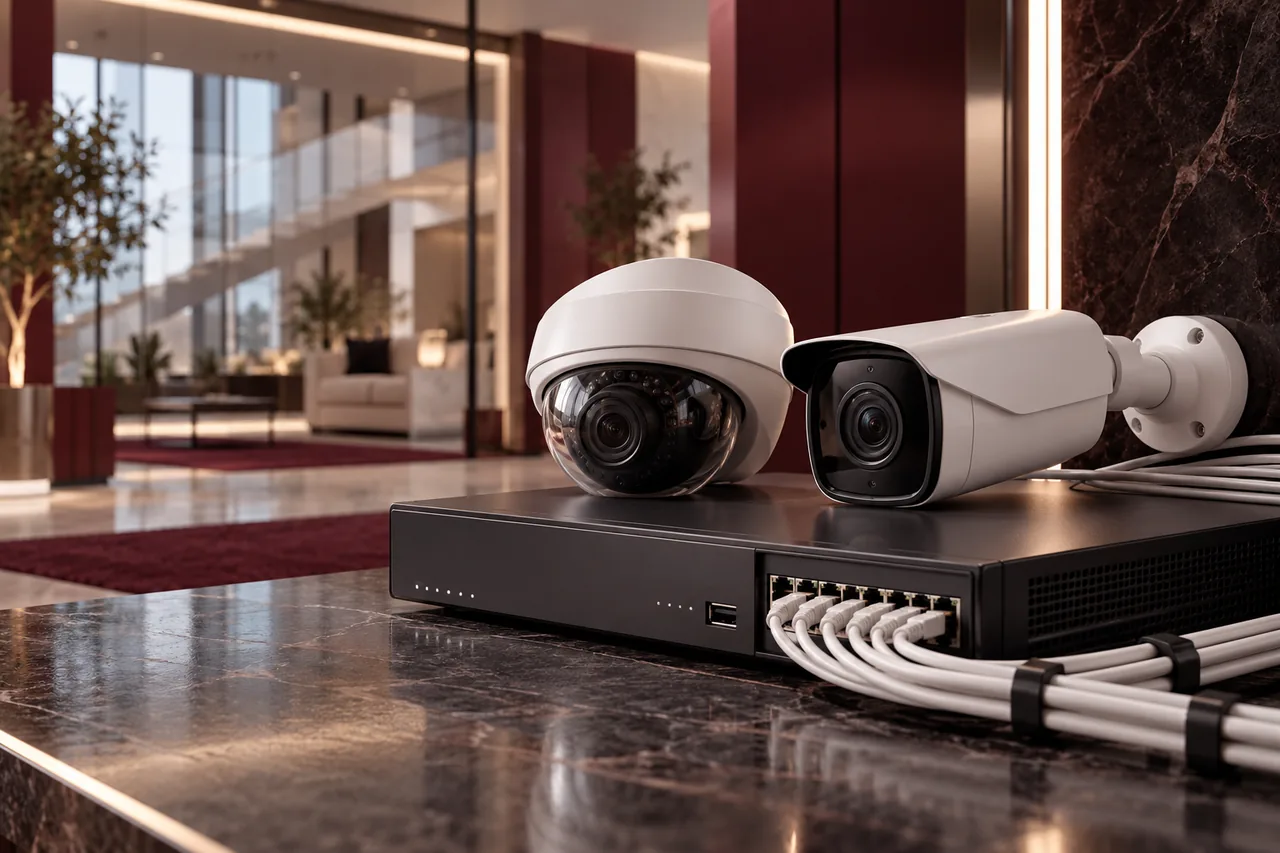
Before installing commercial CCTV, define what you need to see, where the cameras can be mounted and how footage will be recorded and accessed. Camera count is only part of the design. Lighting, network capacity, power, storage, retention and maintenance determine whether the system remains useful after installation.
This checklist focuses on technical and operational planning. Any permissions, privacy obligations or site-specific legal requirements must be confirmed by the responsible building and business stakeholders. Do not treat a generic camera package as proof that every requirement for your premises has been addressed.
Define the viewing objective for each camera
A camera used to observe general activity has a different task from one intended to show detail at an entrance or loading point. Record the objective for each location and the area it must capture. This guides lens selection, placement and acceptance instead of letting the design follow convenient mounting spots.
Discuss likely blind spots with the site team. Furniture, parked vehicles, doors and future fit-out changes can obstruct a view. Camera placement should respect the intended use of the space and applicable privacy expectations. Avoid adding coverage in sensitive areas simply because the recorder has spare channels.
Check lighting and image quality in context
Review daylight, nighttime conditions, reflections and backlighting. An entrance with bright light behind a person may be difficult to capture clearly. A warehouse with changing illumination needs different consideration from a consistently lit office corridor. Camera specifications should be evaluated against actual scenes, not only a resolution number.
Where the viewing objective matters, plan representative day and night tests. Check recorded footage, not just the live image, because encoding and recording settings influence the result. Motion can also affect useful detail. Agree what constitutes acceptable footage before installation so disputes do not depend on subjective impressions at handover.
Plan cabling and the IP network
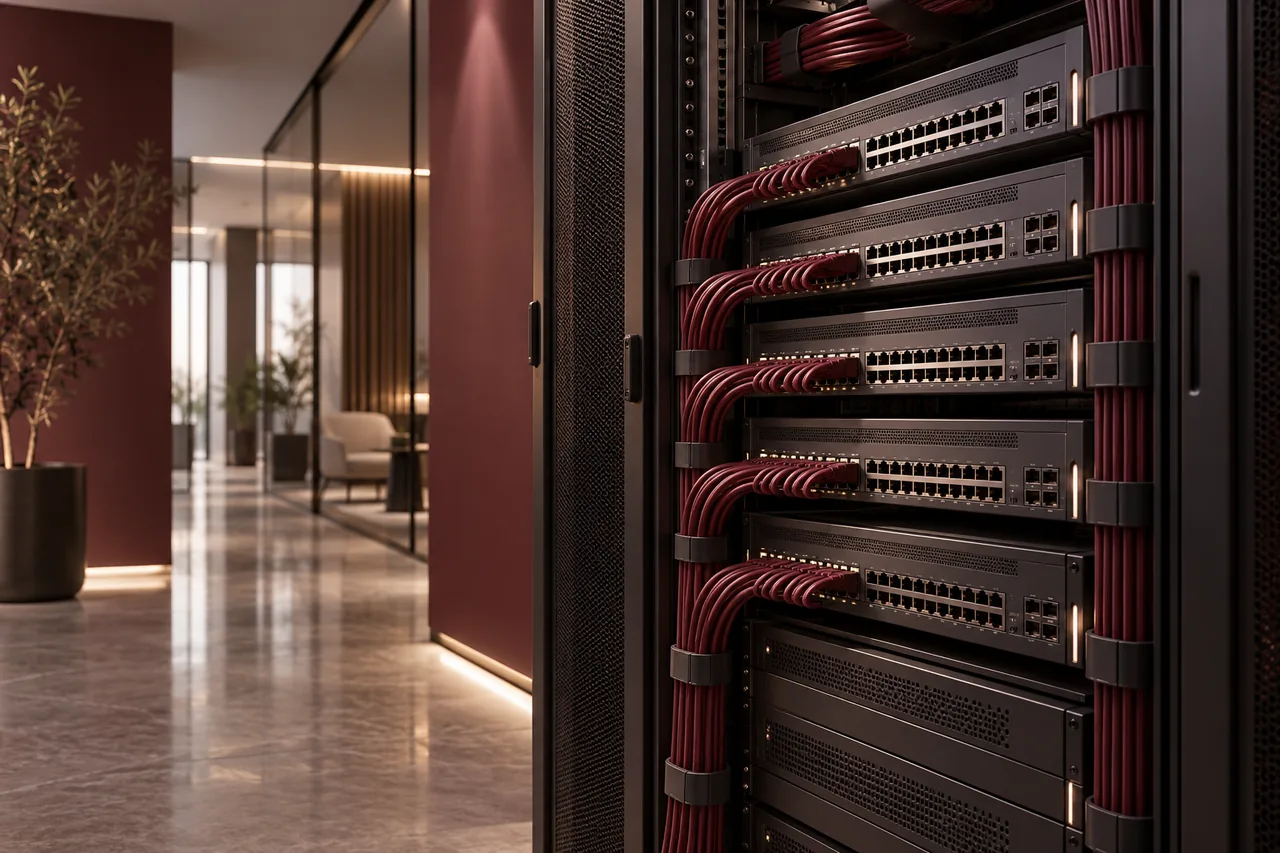
IP cameras share network infrastructure with recording and management systems. Identify camera ports, uplinks and the path to the recorder. Review bandwidth and separate surveillance traffic appropriately where the design requires it. A network suitable for a few cameras may need revision when the camera count or bitrate increases.
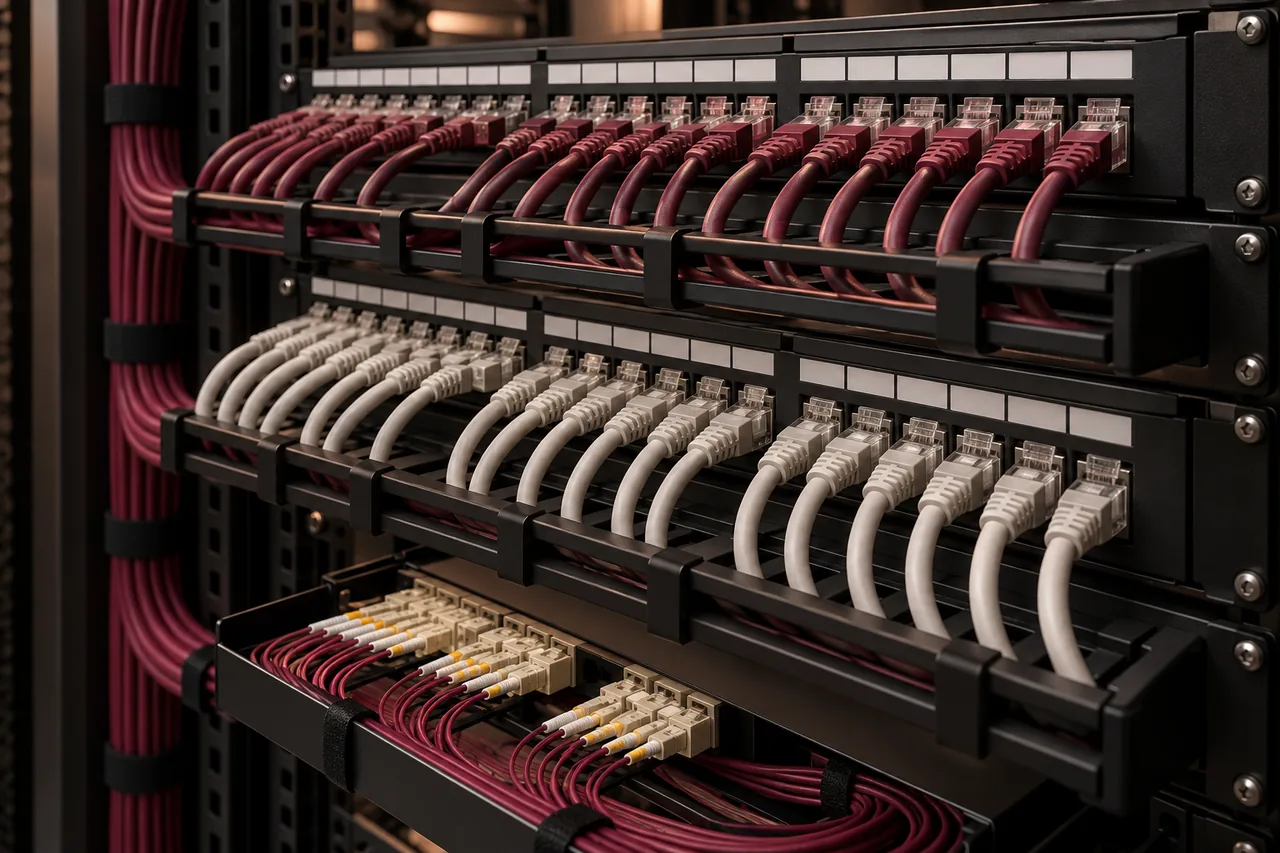
Cable routes should follow a defined installation plan with suitable materials and protection. Include labels, rack termination and testing in the scope. Our structured cabling service can be coordinated with CCTV work. Keep responsibilities for containment, network configuration and camera installation clear when several contractors are involved.
Size recording storage from documented assumptions
Storage depends on camera count, bitrate, resolution, frame rate, recording mode, activity and retention. Motion recording can vary with scene activity, so a quiet-day estimate may not represent a busy commercial environment. State the assumptions used in the calculation and verify actual consumption after deployment.
Consider recorder channel capacity and supported storage configuration, including expansion. Disk redundancy can improve availability but does not answer every evidence-export or recovery requirement. Define how footage is located and exported, who performs that task and what happens if a disk fails. Retention should follow confirmed business and applicable site requirements rather than an invented universal period.
Confirm power and continuity expectations
Power over Ethernet can simplify installation, but switch power budgets and camera consumption still need calculation. Some devices draw more under particular operating modes. Check the total budget, individual port capability and required distance. Include injectors or other arrangements explicitly where they form part of the design.
Decide whether recording must continue during a power interruption and for how long. That decision affects UPS sizing and which equipment must be protected: cameras, switches, recorder and relevant network links. A recorder connected to a UPS cannot capture footage from cameras whose switches have lost power.
Secure viewing and administration
Use controlled accounts with appropriate permissions for viewers and administrators. Remove default or shared credentials, keep software supported and record ownership. Remote viewing should use an approved secure method instead of exposing unrestricted management interfaces to the internet. Review access when staff or contractors change roles.
Decide who is allowed to export footage and how those exports are handled. The viewing device and remote-access path are part of the security design. Our cybersecurity checklist provides useful account and network questions, while the CCTV scope should describe the specific system’s administration responsibilities.
Allow for expansion and maintenance
Plan spare recorder capacity, switch ports, rack space and pathways where expansion is likely. A future camera in another building may require more than an unused channel; it may need new backhaul, power or approved mounting access. Document expansion assumptions rather than assuming every additional camera is a simple plug-in change.
Maintenance should check image obstruction, time settings, recording health, storage warnings and user access. A camera can appear online while recording has stopped. Assign responsibility for reviewing failures and confirming that important cameras produce usable footage. Include the maintenance arrangement in the commercial CCTV quotation where required.
Prepare acceptance and handover checks
Create a camera schedule showing identifiers, locations and objectives. Verify live view, recorded playback, retention configuration, time synchronization and authorized remote access. Test relevant alarms or fault notifications where included. Ensure an operator can find and export footage using the agreed method.
- Camera positions and coverage schedule.
- Network and cabling records with clear labels.
- Storage calculation and recording assumptions.
- Account ownership and secure access handover.
- Configuration records, user guidance and maintenance responsibilities.
Handover should leave the business able to operate the system without relying on a contractor’s personal account. Store sensitive credentials securely rather than printing them in a publicly accessible manual. Coordinate documentation with the wider ELV package if CCTV is part of a larger building project.
Conclusion: define a usable system
Successful CCTV planning starts with viewing objectives and ends with validated footage, controlled access and clear maintenance. Specify the complete path from camera to recording and review it in real conditions. Send FusionCore your drawings and requirements through Contact to discuss a scoped installation or upgrade.
Frequently asked questions
A few practical questions.
Is a higher-resolution camera always better?
Not necessarily. Lens choice, placement, lighting, motion and the viewing objective matter. Higher resolution can also increase storage and bandwidth requirements.
How long must a business keep footage?
Confirm the requirements applicable to your premises with the responsible stakeholders. This guide does not prescribe a universal legal retention period.